

25+ Best Medical WordPress Themes for Doctors
2026-02-18
8 Best WordPress CRM Tools to Improve Your Business
2026-02-18
We believe WordPress is one of the best solutions to create your website. But, before you can get started you need to purchase WordPress hosting. This can be tough. There are hundreds of companies offing plans that at a glance all look pretty good and darn similar.
Not all hosting is same. There are key factors you’ll want to consider when deciding which is the best WordPress hosting for your website. In this post, we’ll show you how to pick the plan that’s best suited for you. Plus, we’ll share our recommended WordPress hosting services.
Good Hosting Checklist
When looking for the best WordPress hosting there are a few boxes you want to check off. Getting straight to the point, any web hosting company worth their salt will have the following:
- PHP version 7.4+
- MySQL version 5.7+ (or MariaDB 10.4+)
- HTTPS support
- WordPress 1-click installation or preinstalled (if managed)
- Built-in caching*
- Uptime guarantee
- Email, chat or phone support
The first three on the list may sound a bit foreign unless you’re a developer or have purchased hosting before. To keep it simple, hosting companies use servers (which are like mega computers) to provide their hosting plans. These servers should be able to install and run the latest version of WordPress without issues. It’s worth noting, that most hosting companies currently support PHP 8.2 and MySQL 8.
WordPress also recommends HTTPS and we do as well. A good hosting company will either sell SSL certificates or allow you to use a free third party service like Let’s Encrypt. Having proper SSL will ensure visitors can securely access your site.
We highly recommend selecting a host that is either fully managed (WordPress is pre-installed and maintained for you) or that offers a 1-click installation. While you can certainly install WordPress manually on any hosting plan, we really only recommend this if you are an experienced developer.
Lastly, good hosting companies will offer uptime guarantees and top of the line support. Uptime guarantees generally assure you that 99.9% or more of the time your website will be up and running And support really is key. If you ever have a hosting issue you want to be able to get a hold of someone. Good hosting companies will have a couple easy ways for you to get in touch with a support tech.
The WordPress server requirements may change from time to time. We recommend you also head over and look at the official WordPress requirements.
Types of WordPress Hosting
When it comes to hosting there is no shortage of options. There are plan’s with all different names from all kinds of companies. Here is a quick roundup of the most common types of WordPress hosting you might want to consider.
This is where things may get a bit technical. If you aren’t quite sure which type of hosting you need, most likely you are just starting out. If this is the case, you probably will want to go with a managed hosting solution. This way, the server is setup for you and you don’t have to worry about the technically stuff.
Ok, let’s have a look at the popularly offered hosting solutions.
Shared Hosting
The most common and typically the most affordable, shared hosting combines multiple user accounts on one server. This means you’re “sharing” resources like bandwidth and memory with other users. Shared hosting is perfect for new bloggers since you likely won’t need a ton of resources and you can always scale up to a bigger plan or add resources later.
When it comes to running WordPress shared hosting is often more than capable of providing the power you need. Installing WordPress is also typically fairly easy as most shared hosting providers offer a “1-click” installation process. Just select WordPress when you signup for you plan and you’ll be ready to start blogging almost immediately.
Cloud Hosting
Cloud hosting offers users individual virtual servers hosted on “the cloud,” which in this case is a network of servers around the globe. The advantage to cloud hosting is that (in theory) your website will never go down since at any given point in time servers should be up and running somewhere in the world. Cloud hosting is also famous for its scalability since it’s very easy to add more resources on demand as you need them.
We would recommend cloud hosting for tech savvy folks who want to manage their own server settings, however there are companies offering managed cloud hosting making it a viable option for new bloggers as well. Because it is scalable it’s a great option for social network, image sharing or viral content type websites that may have fluctuating traffic or large/sporadic bursts.
VPS Hosting
VPS stands for virtual private server and is when a hosting company uses software to digitally partition a physical server into multiple, individual virtual servers. This is a more affordable option to have your own server, though it does require advanced technical skills to operate as you are in control of your virtual server settings.
For medium sized blogs or businesses VPS is a great option. Just remember that you will need to install WordPress manually on your server and manager all of your server settings. For this reasons we’d recommend spending time learning about servers or hiring a specialist.
Dedicated Servers
A dedicated server is your own, stand-alone server that you can rent from a hosting company. They maintain the physical server for you but all settings and software are in your hands. It is more costly, but you are 100% in control and you get to use 100% of the server’s resources making a it the best choice for a large blog, website or business.
Similar to VPS, we highly recommend that you hire a professional to manage your dedicated server or spend a great deal of time learning about the various settings, software and coding languages to properly operate a server. This is not a recommended hosting option for beginners.
Managed Hosting
Managed WordPress Hosting is the easiest (and in our opinion best) way to host a WordPress website. With managed hosting the hosting company fully optimizes your server for WordPress and they manage all updates and settings.
Most managed WordPress hosting is based on a shared or cloud platform making it an awesome fit for bloggers, small businesses, online portfolios, etc. However good hosting companies do offer fully managed dedicated server plans for large websites and enterprises (which is what we use for WPExplorer).
Which Hosting Should You Choose?
First consider the purpose of your website. A blog versus an e-commerce store will have very different hosting needs. Blogs, personal portfolios or small professional websites are typically lightweight with less need for a huge hosting plan. Alternatively e-commerce, directory or social sites will need a lot of resources and therefore a larger, more expensive hosting plan.
Along the same lines as our first point, consider your content. A website with one page will do just fine on a small, shared hosting plan. A corporate business website with hundreds of pages, an active blog and a private employee network will likely do best with a dedicated server.
Lastly your traffic will play a significant role in your hosting needs. A new website will take some time to build a following and grow regular traffic. Unless you’ve already established a large presence on another network or social media site you can probably safely start at the low end with your hosting plan and scale up or upgrade as your website grows.
We generally recommend that everyone starts with managed hosting solution. These always have an easy method for installing WordPress, built-in caching, built-in security features and if your site is slow or goes down you can contact the support team for assistance.
Recommended WordPress Hosting
While many hosting companies offer similar features, not two hosting companies are exactly alike. Each host offers specialize hosting plans, and all of the hosting companies we recommend are great for WordPress. Keep reading to learn about our picks for the best WordPress hosting and to find out which might be a good fit for your needs.
Please keep in mind that services and pricing is always subject to change. While we do our best to keep our site up to date, it’s important that you check out the hosting company sites for your self and conduct your own research.
Bluehost: Affordable Shared WordPress Hosting
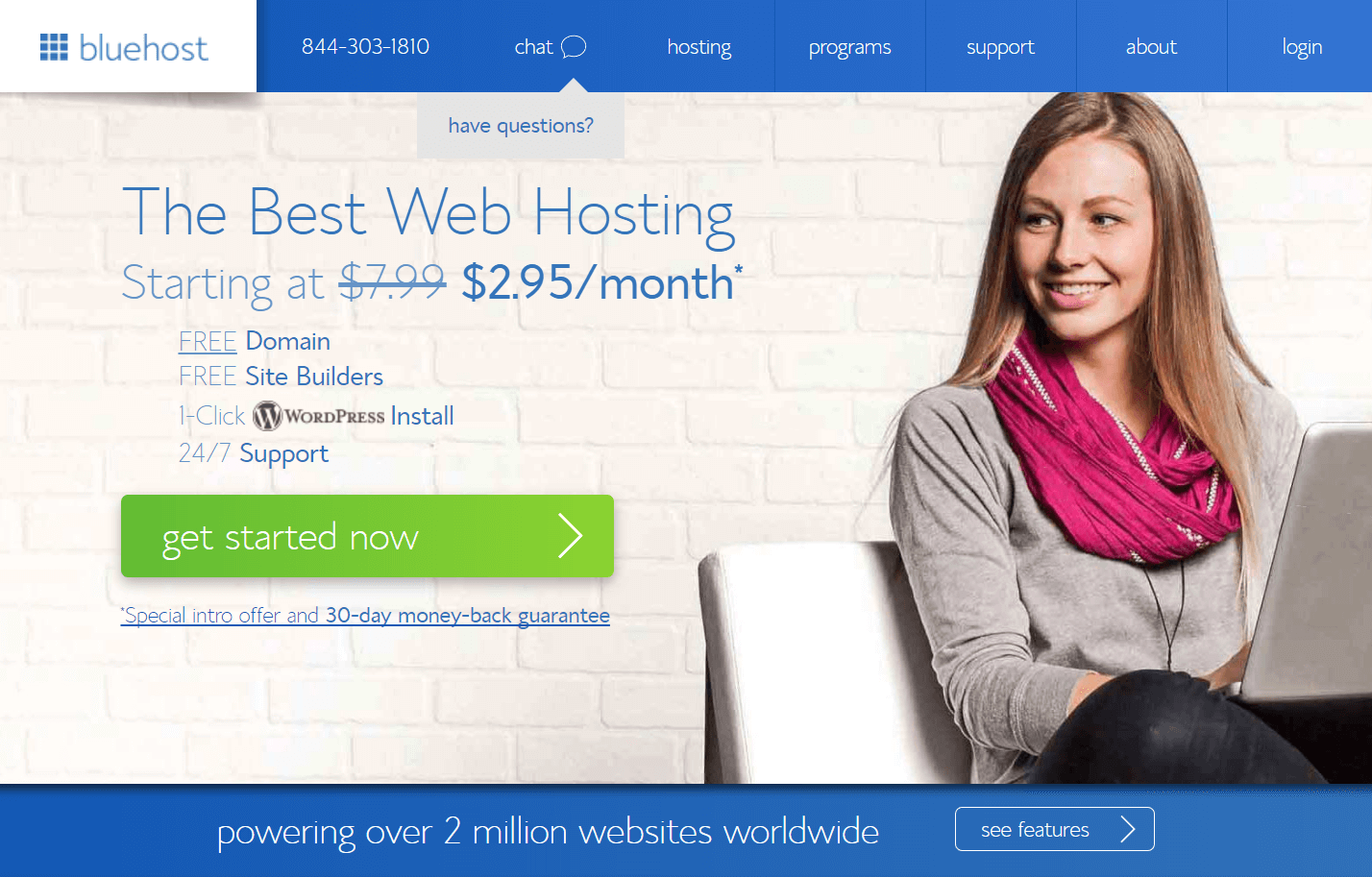
Bluehost is one of the biggest players in hosting and for a reason – they offer affordable hosting plans with plenty of resources, good support and some extra perks that any new website owner will love. This WordPress hosting company, currently offers a free domain name, free SSL, free email accounts and bonus marketing offers.
Best off all, their plans are some of the most affordable options – plus they offer a huge 63% discount for WPExplorer readers, so what’s not to love?
Cloudways: Cloud Hosting Made Easy

Cloud hosting is a flexible way to host your website, but for some users manually installing WordPress on AWS, Digital Ocean or Azure is beyond their technical capabilities. That’s where Cloudways comes in. Cloudways supports AWS, Google Cloud, Digital Ocean, Linode and Vultr cloud hosting platforms. Just select your favorite, choose WordPress as your CMS and let Cloudways handle the configuration process for you.
The best part about Cloudways is how easy it is to use. Creating and maintaining your own cloud server can be time consuming, but with Cloudways interface your have dedicated resources (CPU, RAM, IP, storage) at your finger tips. Features include 1-click WordPress installation, site cloning, backups, scaling (RAM & storage), staging, multiple databases, plus tons of awesome addons (email, console, monitoring, etc).
Kinsta: Managed WordPress Cloud Hosting
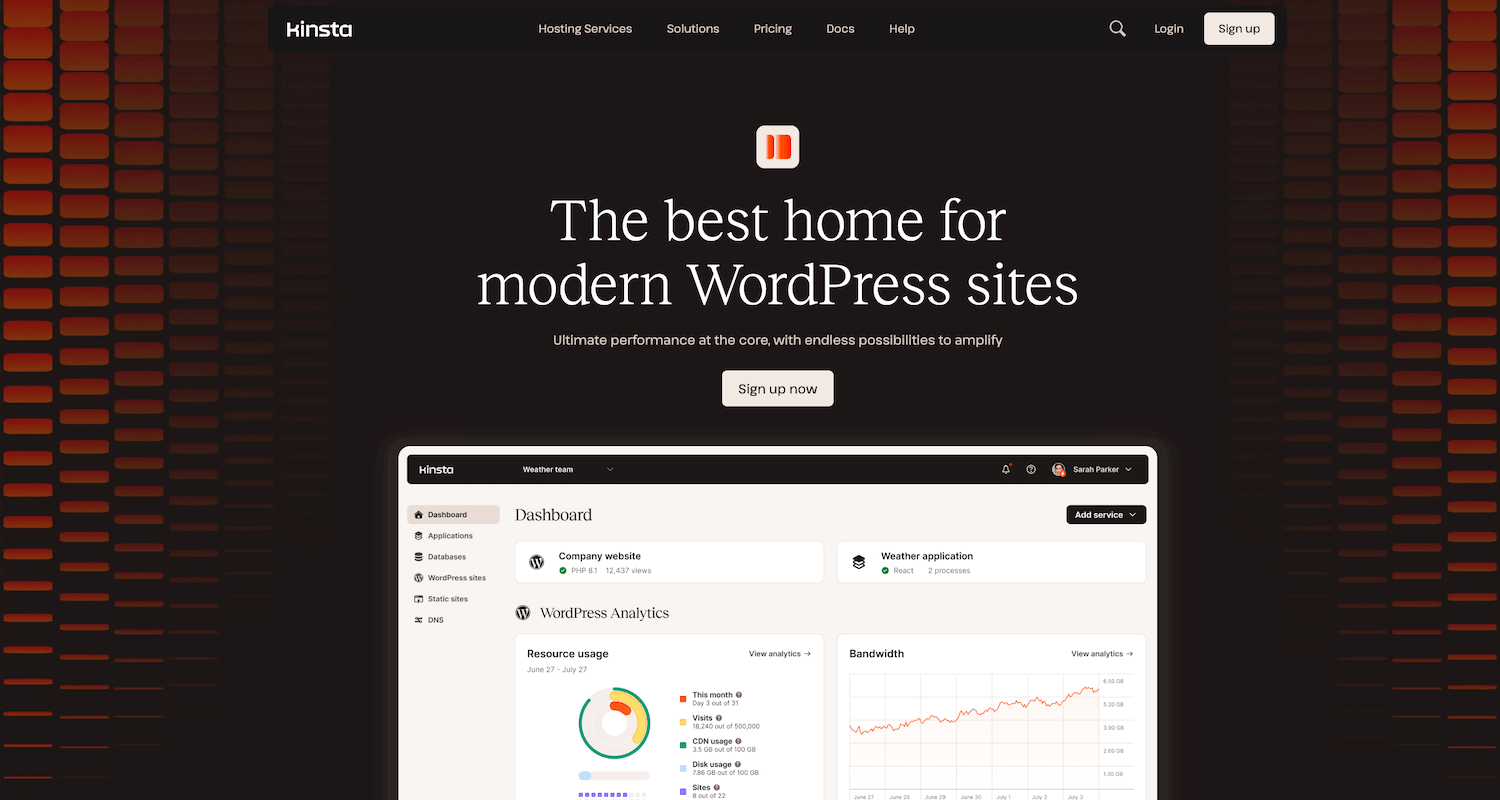
Kinsta is not just another managed WordPress hosting company. They offer fully managed hosting for WordPress sites on an infrastructure powered by Google Cloud Platform’s Premium tier network and the latest C2 and C3D virtual machines. Kinsta also utilizes a technology, isolated containers, to house each site in its own container with resources allocated individually.
In addition to this Kinsta is staffed by WordPress experts ready to help you with any issues you might run into when running your WordPress site on their cloud servers. Have a question about using your Kinsta dashboard? Need advice about scaling your hosting plan? Not sure how to increase your memory limit? Just ask! Other notable hosting features include an enterprise-level Cloudflare integration with free wildcard SSL, free CDN and Edge Caching, daily backups, uptime monitoring and even free migrations.
WP Engine: Premium Managed WordPress Hosting
When it comes to choosing the best WordPress hosting for your WordPress website, we highly recommend WP Engine. They offer only managed WordPress hosting plans and are great at what they do. Specifically, their entire hosting platform is built on top of the line tech. They’ve created an optimized environment for WordPress powered by custom designed and coded rules so that their servers can evaluate browser requests, balance server load and integrated EverCache for on demand resource scaling.
Basically this all means that your website can run perfectly at max performance without you having to manage anything server related. WP Engine also offer professional support from WordPress experts, 24/7. So even if you need a bit of help on a Sunday there’s help within reach. Other host features include staging environments, free SSL option, WordPress multisite, PHP8 support and even a built-in CDN (for Pro and higher plans).
Pagely: Custom Enterprise Hosting Solutions
For large scale businesses, Pagely offers the best custom enterprise hosting solutions on the web. Pagely is not cheap, but it’s an excellent investment in your business. Build on a managed cloud system, they offer reliable and secure hosting that can be easily scaled with your business’ needs.
Pagely offers impressive features including dynamic image optimization, advanced security, global CDN, built-in caching, performance analytics, HTTP2 and PHP8 support. This is in addition to WordPress specific features such as fully managed core updates and WP-CLI. In short while priced higher than any of the other hosts in this list Pagely offers a prestige service that more than worth the money.
Which is the best WordPress hosting?
Because we can’t just pick one, we’ll give you our top two.
In our opinion, WP Engine is the best WordPress hosting. It’s what we use to host our website and we’ve had a great experience working with them. They’re fully managed, have great up time, support is always fast & friendly and we have more than enough resources on our current plan to grow our business.
Bluehost is a close runner up in our opinion as they are a perfect fit for bloggers just getting started. They offer reasonably priced hosting plans that are easy to setup, have enough resources to power WordPress and you get some bonus perks like a domain name and some ad credits to boot. It’s a pretty sweet deal for new bloggers.
Frequently Asked Questions
There are a lot of questions that might popup when researching hosting. Here are a few quick answers to common questions we didn’t cover in the article above. Hopefully this will help you make the right choice when choosing the best WordPress hosting for your website.
Do you need a hosting service for WordPress?
Yes, for self-hosted WordPress (which is found at WordPress.org) you most definitely need a hosting plan. That’s what makes it self-hosted.
Is WordPress a host?
WordPress does offer their own VIP hosting but it’s pretty pricy and we’d only recommend it for businesses in need of a custom fit hosting solution (like if you wanted to start your own free online blogging platform, a WordPress based social network, or a photo sharing site).
How do I host my WordPress blog?
To host your own blog you need a hosting plan which you purchase on a monthly or annual basis from a reputable hosting company. There are hundreds of web hosts, but for the most part they offer similar plans such as shared, cloud, VPS, dedicated or managed.
Is there free hosting for WordPress?
There are websites that claim to offer “free” hosting but they typically offer little to no resources and aren’t the types of websites you want to share personal information with.
It’s also possible you’re thinking of WordPress.com, which is a free blogging network like Tumblr. It’s very different from WordPress.org (which is what we’re all about), and you can learn more about the differences between WordPress .ORG and .COM.
Conclusion
There are so many WordPress hosting options that it can be hard to choose a good host. While it may seem like a good idea to go with the cheapest solution this is generally not recommended. I hope I’ve been able to help you make a better informed decision when choosing your hosting.
There are tons of other WordPress hosting companies out there. You may want to see what other websites are recommending as well. You could have a look at the recommended hosting on WordPress.org. But keep in mind that hosting companies are likely paying a lot of money to be on this page.
Please let me know in the comments if you have any positive or negative feedback for any hosting company. We’d love to hear your experiences and it will be very helpful for other readers of our site as well. Thank you!
Further Reading
You may find the following related articles useful as well:
- Shared vs Cloud Hosting
- Reasons to Avoid Cheap Hosting
- Kinsta WordPress Hosting Review
- WP Engine Hosting Review